
One thing that No Code can do very well is speed up the creation of software, to the point that you can often do it in real time alongside end users or customers.
There are still a couple of common bottlenecks though.
Firstly, when confronted with a new project and a completely blank screen, it can take a while to get into gear. It’s easy to add to an existing system, but there’s sometimes a feeling of ‘where do I start?’ at the beginning.
Here, AI can be really beneficial. As mentioned back in January, given a short sentence or two describing what you want to build, AI can create the foundations, i.e. create the relevant tables and fields in Agilebase which form the structure of your application.
Since then we’ve evolved and finessed the feature. The process works more like a two-way conversation or brainstorming aid now. Some starter prompts are included.

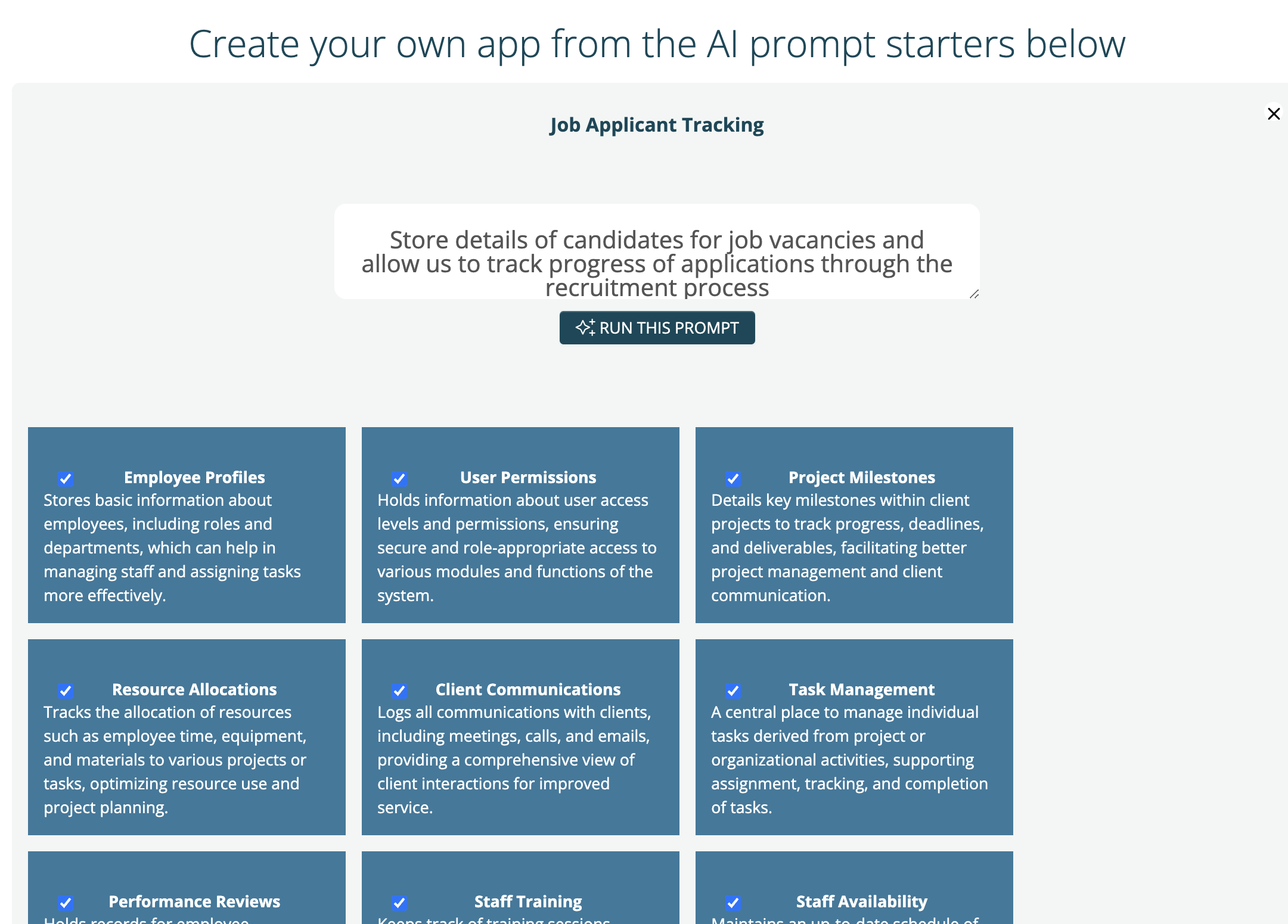
AI is really good at coming up with database structures for most business processes as there are a lot of examples out there in the wild, but it you don’t like what it gives you, you can tweak the prompt and re-submit, then select some or all of the resulting tables to build.
Once you have an application built, we hit the second bottleneck.
Agilebase creates the user interface for you of course, but to actually try it out, you need some data. Stopping to add records one at a time can break up the flow, as can finding or creating a spreadsheet to import some.
Released today is a new facility for the system to generate realistic test data, again using AI, at the press of a button.
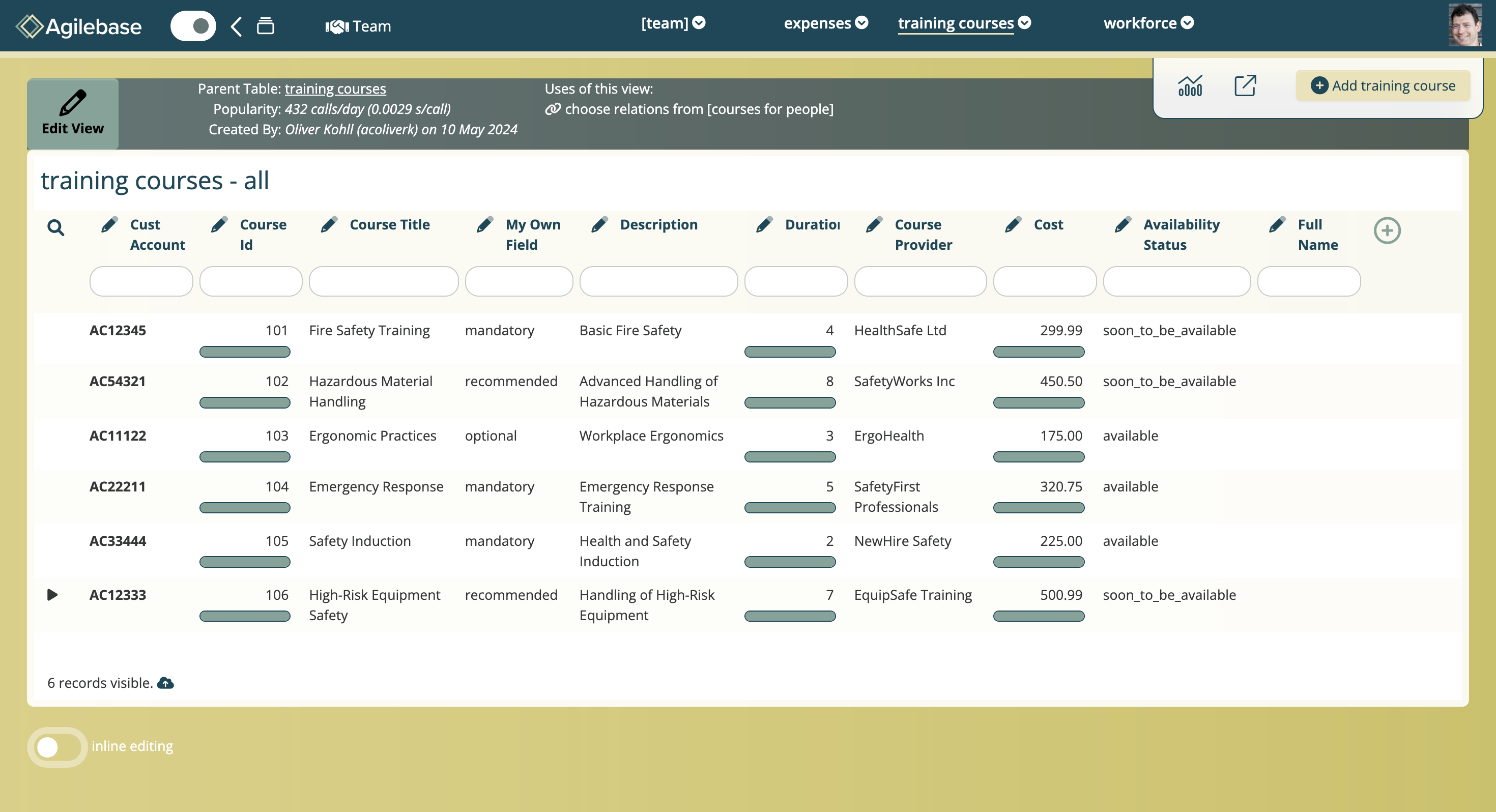
Whether you’re creating an application yourself, or together with other members of a team, this can help you get there a lot quicker, letting you show of the app to other stakeholders.
The sample generation button will appear in a view whenever it’s parent table has no records.
We’re excited to let people try this out and look forward to hearing your thoughts.
 Platform Updates
Leave a comment